Bike Parking and Facilities | E-Bikes | Bike Resources
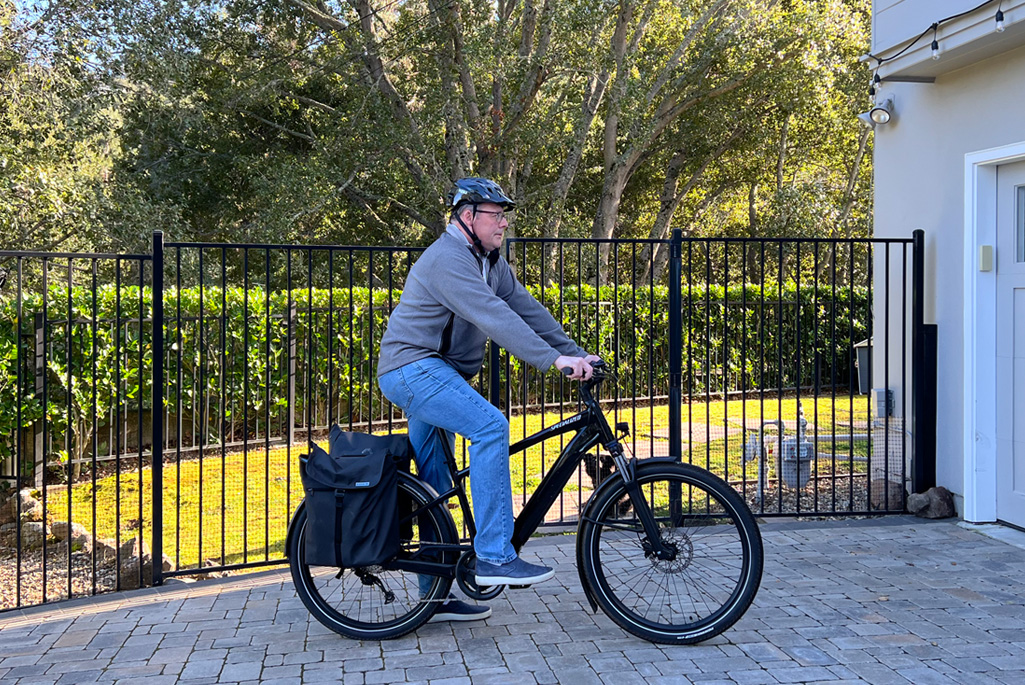
E-bikes are a great way to get up the hill and around campus with a boost to make pedaling easier. However, when shopping for an e-bike, be sure to look at the size of the motor for the best performance on the Lab’s hill site. You can park the bike in any space near a building as long as the bike does not block doors, egress paths, and stairs.
E-Bike FAQs
An e-bike, also known as an electric bicycle, is a bicycle with an integrated electric motor
that can be used for propulsion. Read more about E-Bikes on our E-Bike FAQ page.
E-Bike Charging
Charging your e-bike battery is allowed at the Lab, but you must get approval from the Lab’s Fire Marshal, Mike Torkelson at fire@lbl.gov.
Ridepanda
Ridepanda has flexible month to month subscriptions with no commitment for several e-bike options that start at $49 per month with a special limited-time promotion. This includes theft insurance, a helmet, and a lock.
Lab Promotion: The first 80 customers will get $75 per month off the regularly-priced e-bike lease for the first 12 months of the lease.
University of California E-bike Discounts
The University of California has discount pricing with several e-bike vendors, including Ride1Up, Dirwin Bike, Lectric, and Velotric, that are available for Lab staff, UC faculty, and UC students. Depending on the vendor, discounts range from 15 to 60%.
Ride1Up, Velotric, and Dirwin: Login using your lbl.gov email address.
Lectric Bike:
- Lectric Bike has two paths to follow on its website: one for students and one for faculty and staff. Select the University of California Office of the President in the drop-down menu for the name of your institution.
- Fill out your name and Lab email address.
- Click on “Verify My Teacher Status.”
- Ignore the next screen that pops up and wait for an email from Lectric Bike. It may take up to 15 minutes to receive it.
- Click on the link in the email, and it will open a new screen that asks you to verify your employment.
You can download employment verification from UC Path by clicking on Income and Taxes>Verification of Employment>Generate Summary Report>Download Attachment.